Did You Know?
GET MORE FROM OUR VIRTUAL SHOWROOM
Our Virtual Showroom is more than just a way to browse products, it's an interactive tool designed to make planning, shopping, and merchandising easier.
Here are a few features you may not know about:

Navigate with Ease
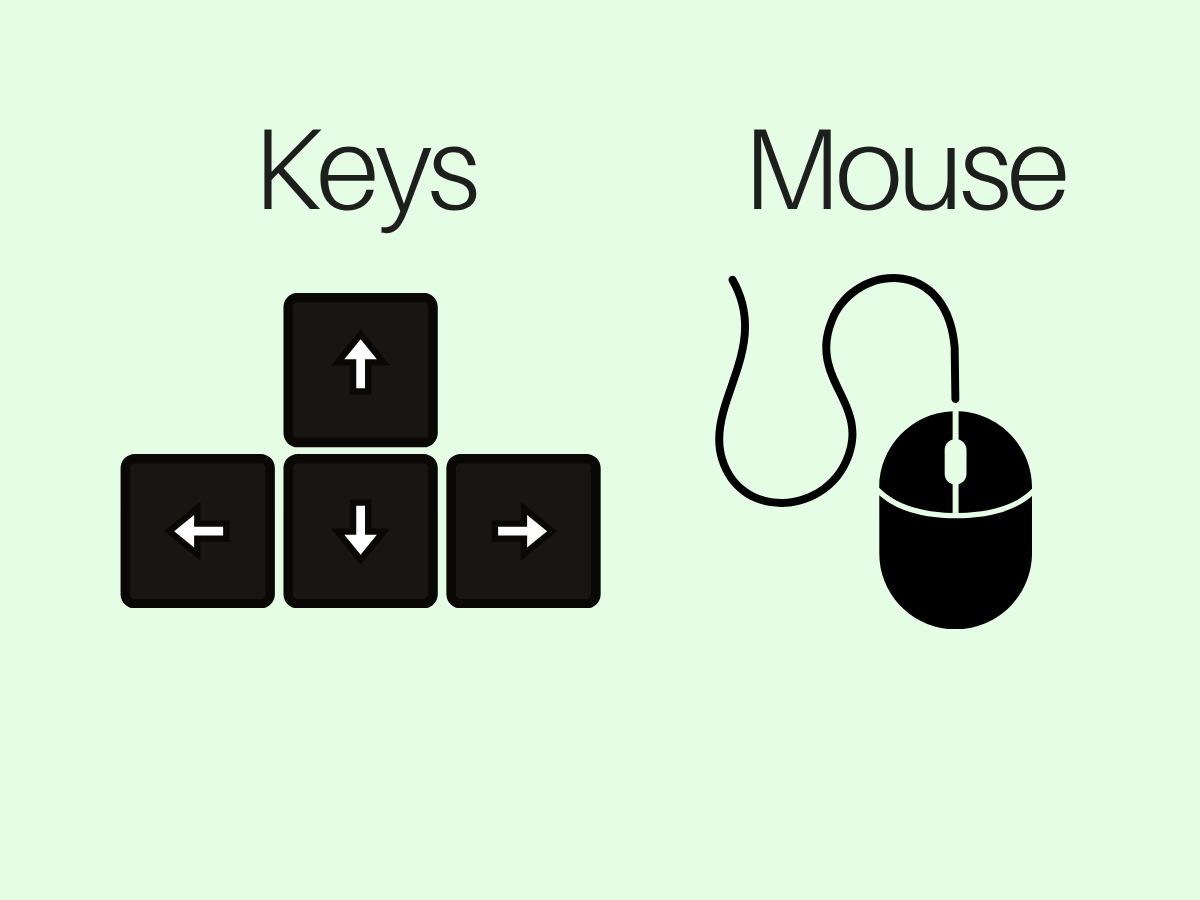
Move through the showroom using your mouse or the arrow keys on your keyboard. Zoom in and out to get a closer look at displays and product details.

Discover Products by Display
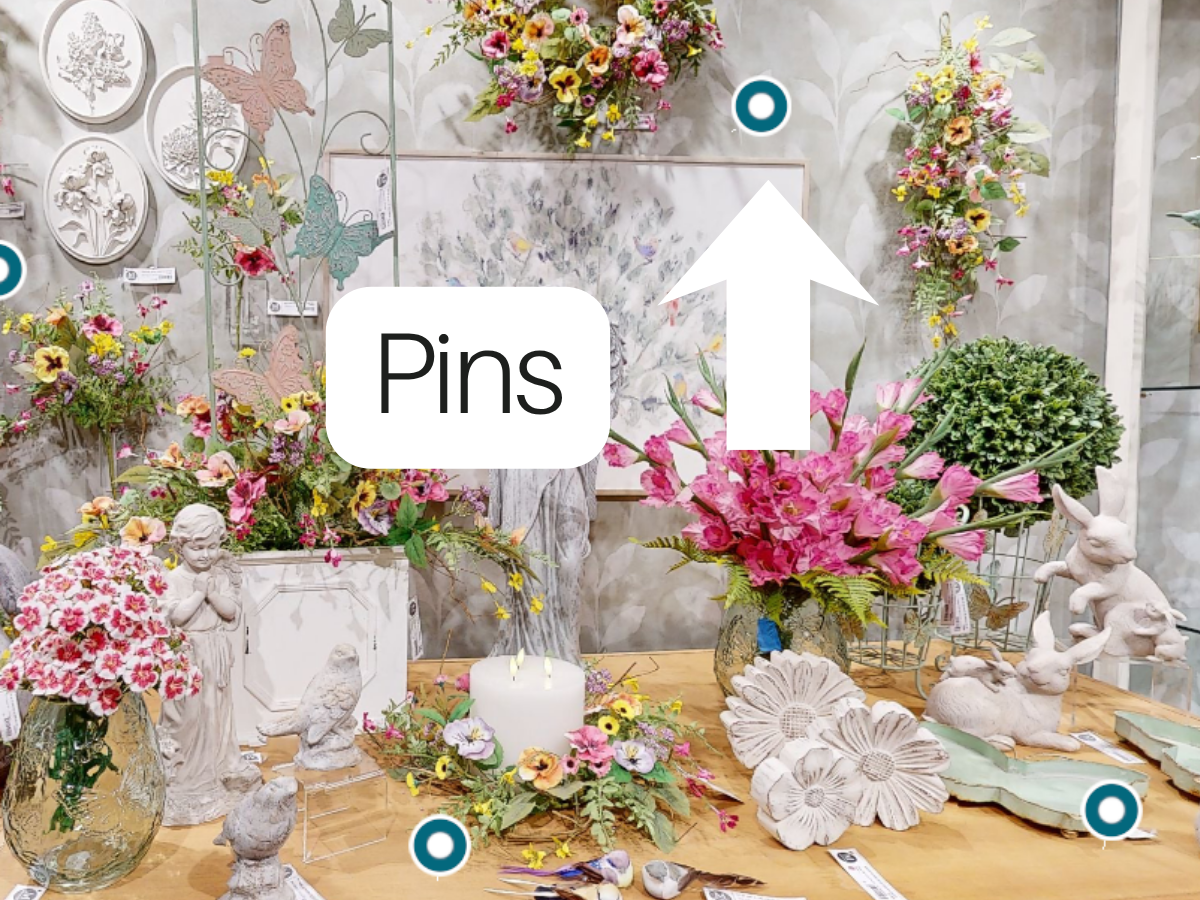
Click any blue pin
throughout the showroom
to instantly see
every item featured
in that display.

Browse items Faster
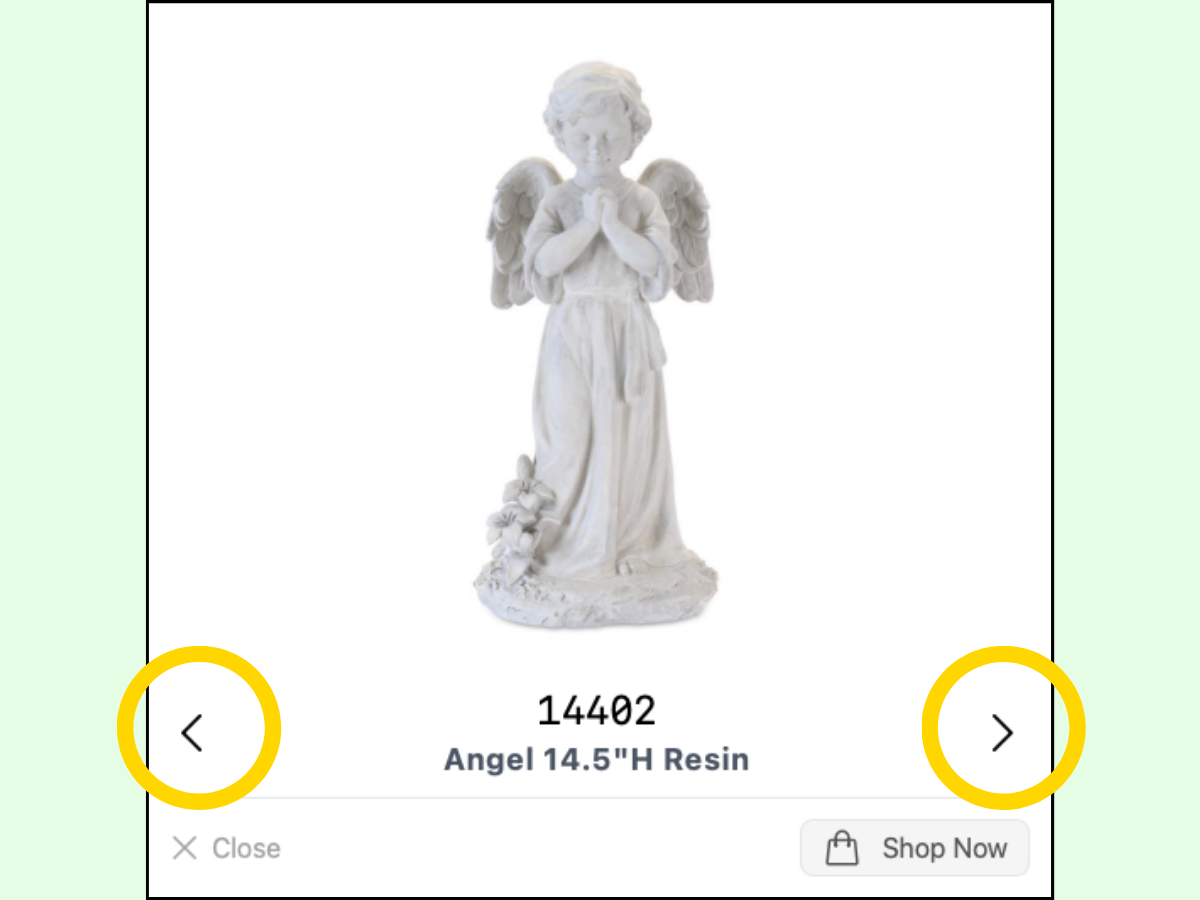
Once you've opened a product,
use the left and right arrows
to quickly cycle through
all of the items in
that display.

Find products instantly
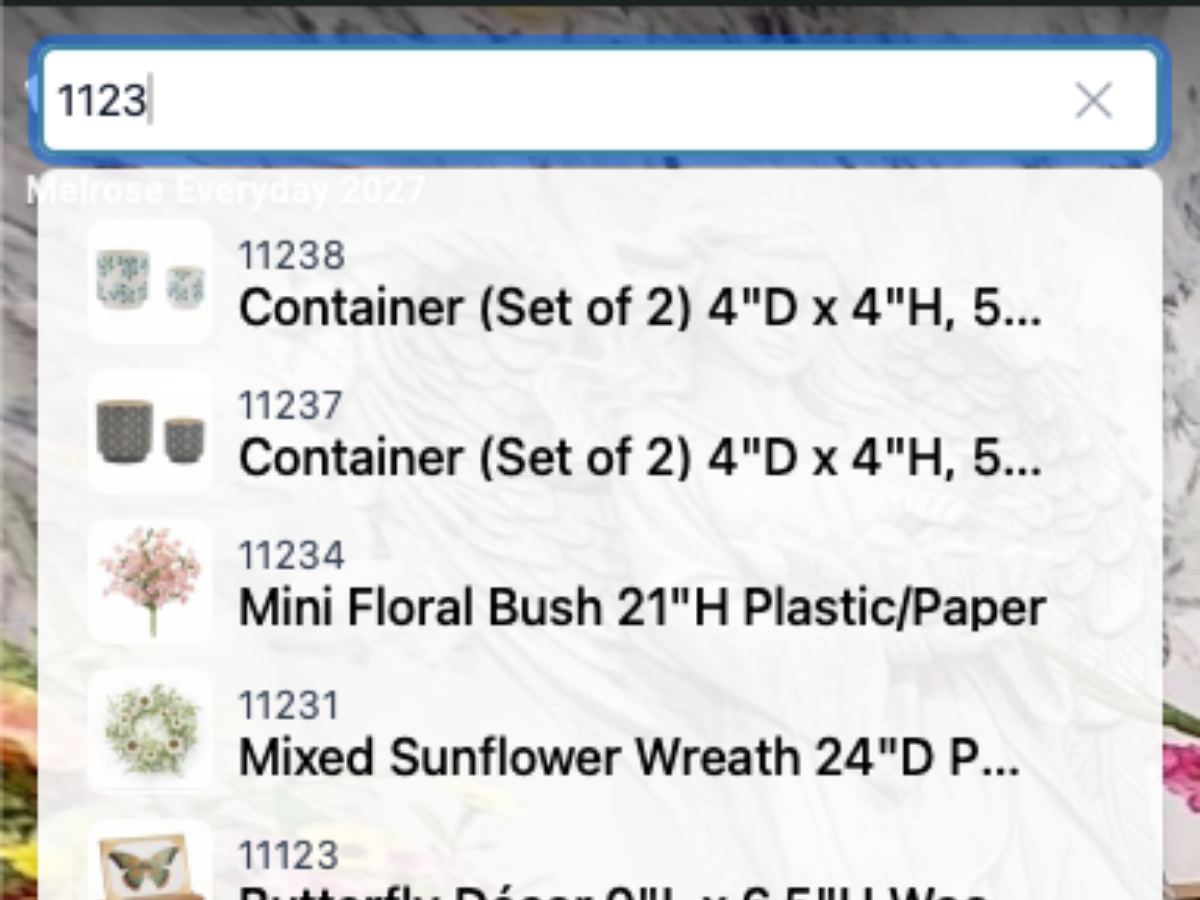
Looking for something specific? Simply type an item number or product category into the search bar to jump directly to matching products.

Explore curated collections
Click the Star icon in the
upper-right corner to
quickly browse featured
collections and curated
product groupings.

capture inspiration
Use the Camera button at the bottom of the screen to take screenshots of merchandising ideas, displays, or products you'd like to reference later.

share what you're seeing
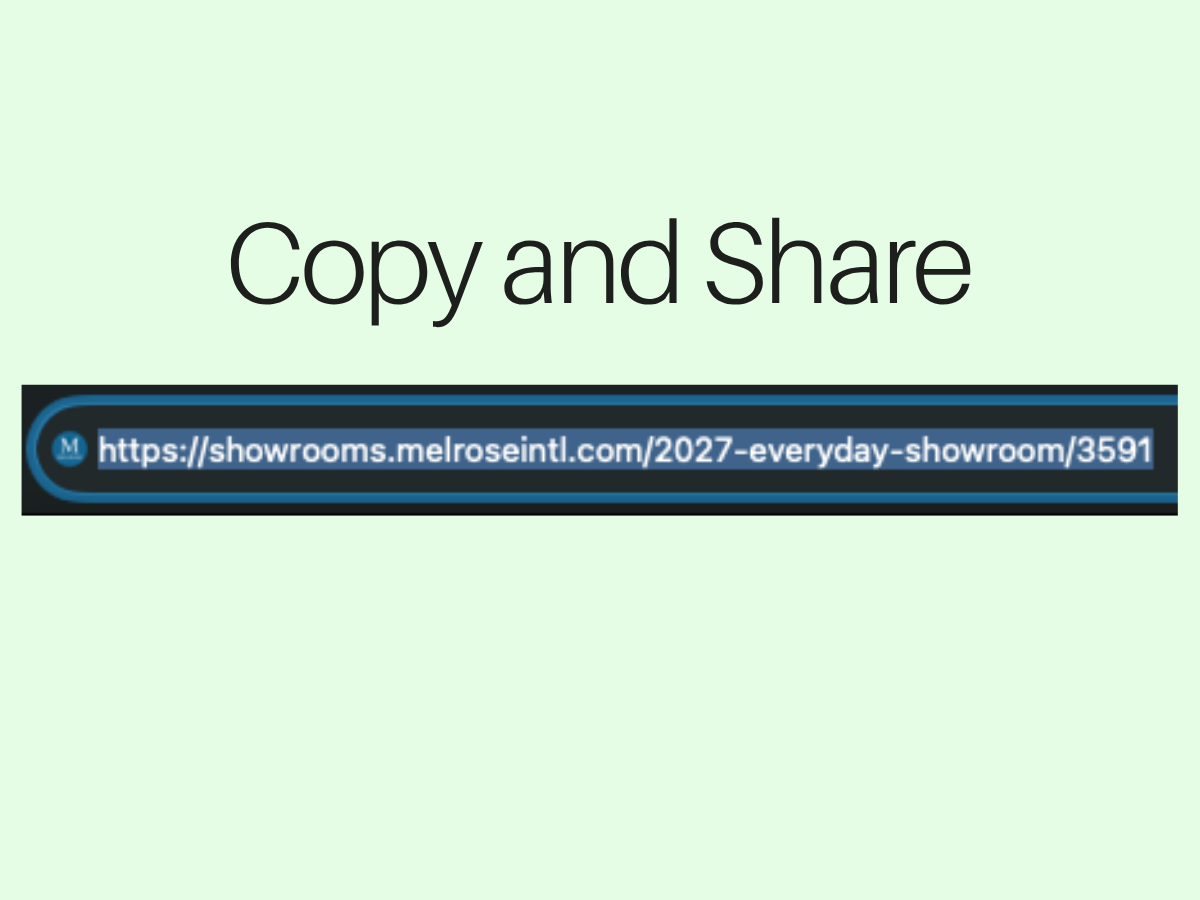
Found the perfect display? Simply copy and paste the sharable link to a specific location in the showroom so coworkers or team members can view the exact same area.

change your perspective
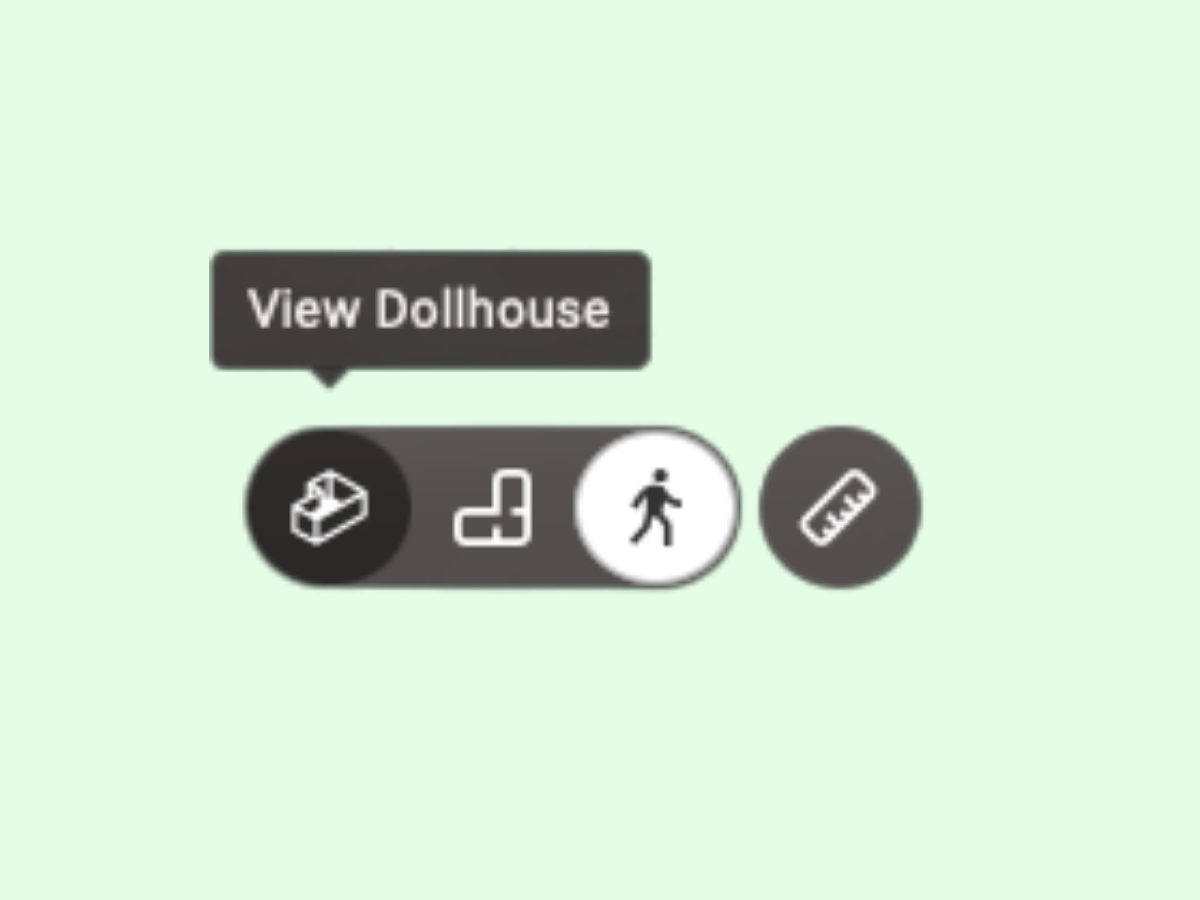
Switch between multiple viewing angles, including a top-down view, using the controls in the lower-left corner to better visualize displays and layouts.

measure before you plan
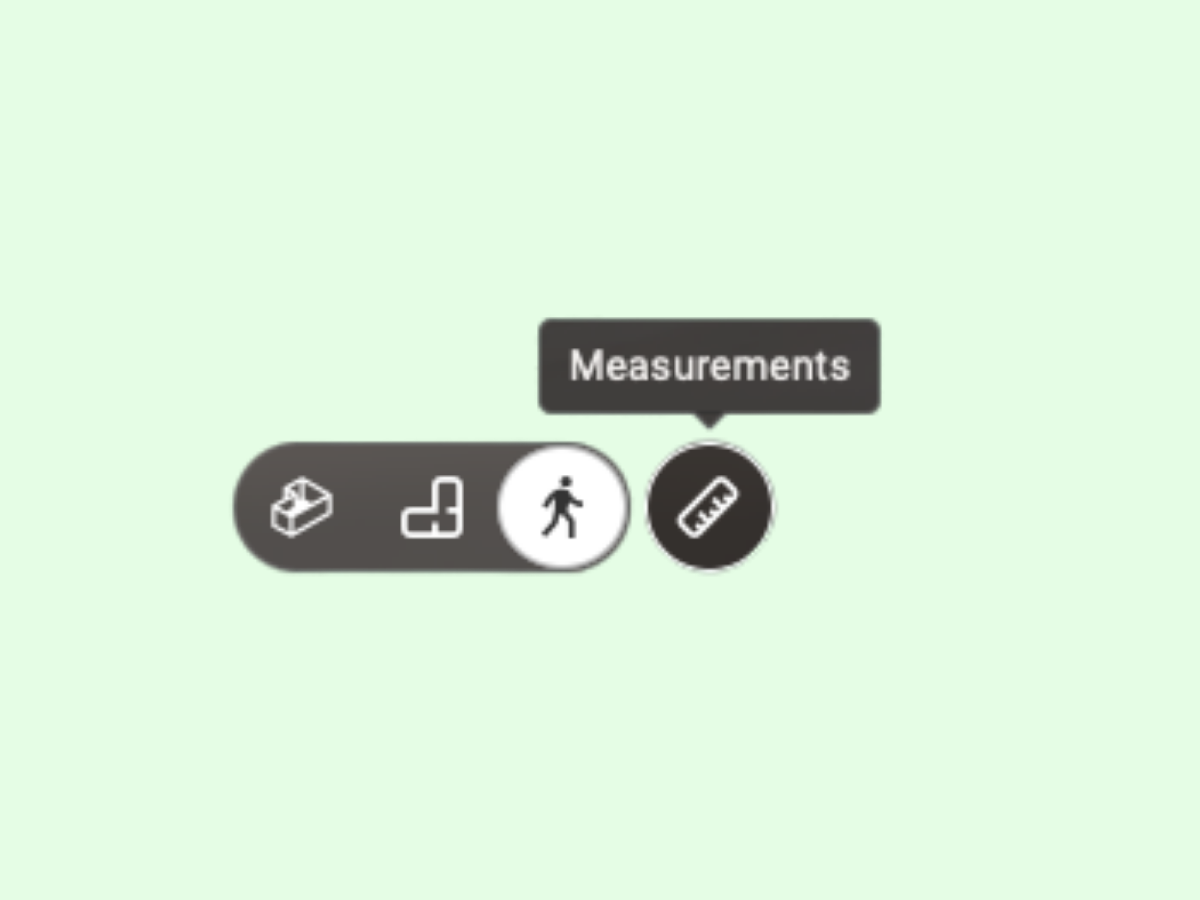
Need to know if something will fit? Use the Ruler tool in the
lower-left corner to
measure products and
spaces, making display
planning even easier.

priced or unpriced views
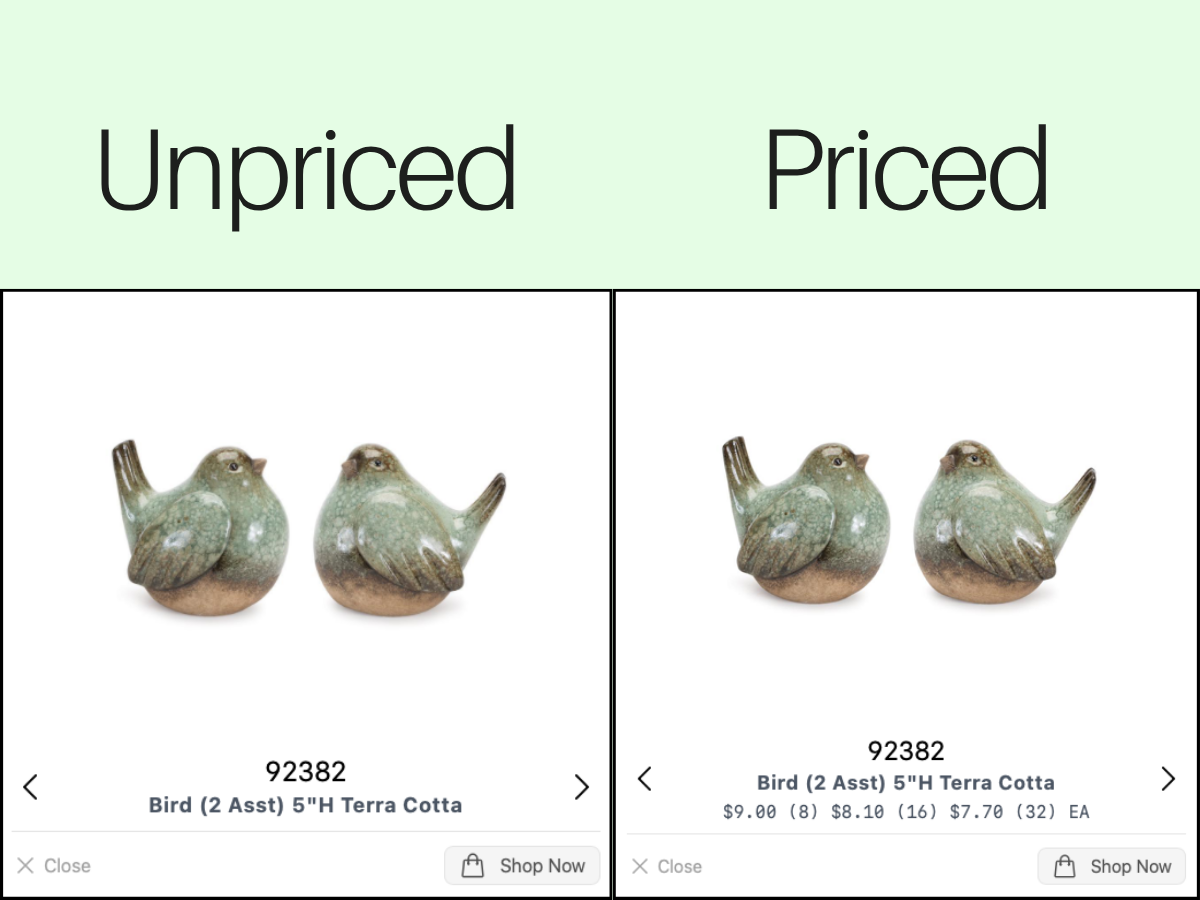
Depending on your needs, you can explore either the priced or unpriced version of the Virtual Showroom.
The unpriced version is on melroseintl.com, while the priced is accessed through your account.

shop directly with ease
When you're ready to order, click the Shop Now button beneath any product to go directly to its product page. You can then add the item to your cart and modify quantities with ease.


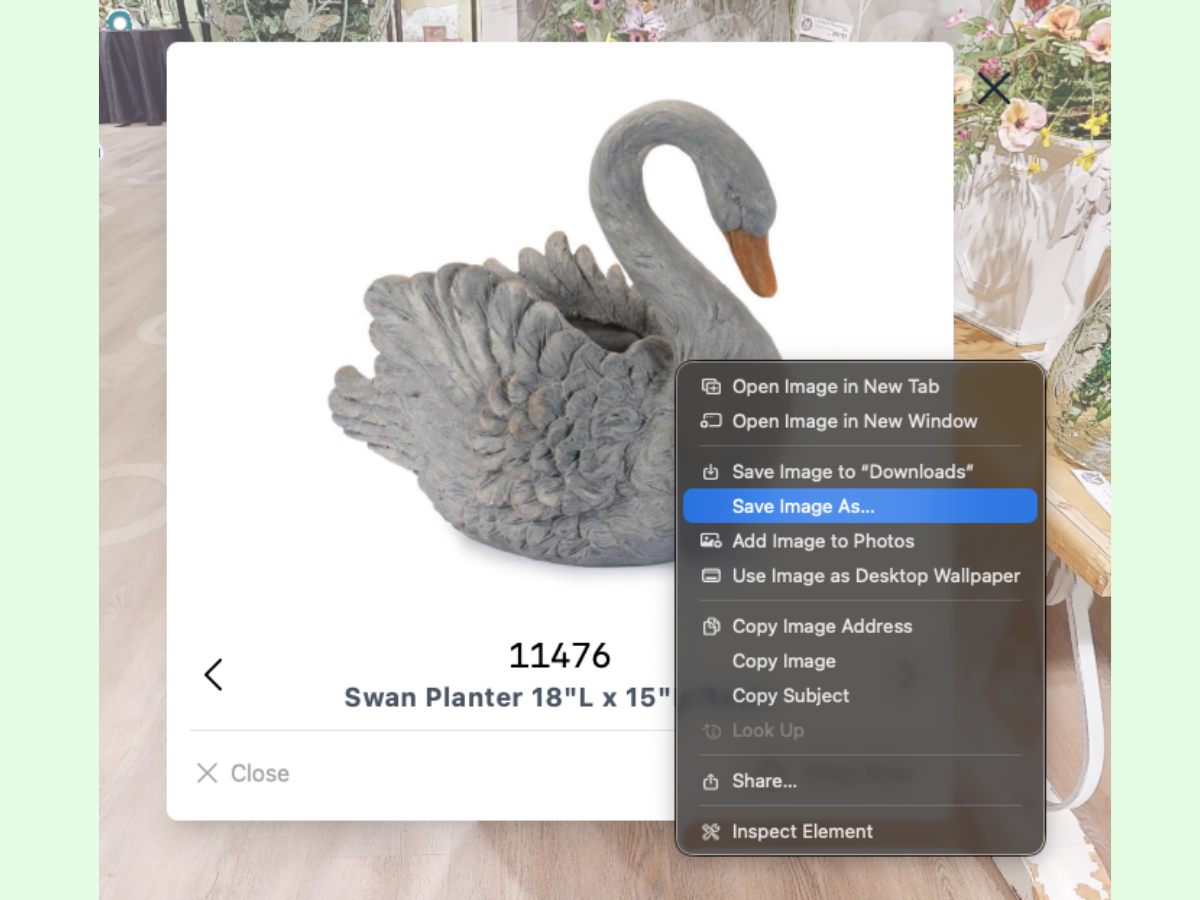
save product images
Need images for planning or sharing? Select the desired item from anywhere in the Showroom. Then, you can download product images directly with just a simple click.